DrawAI - drawio beautifier
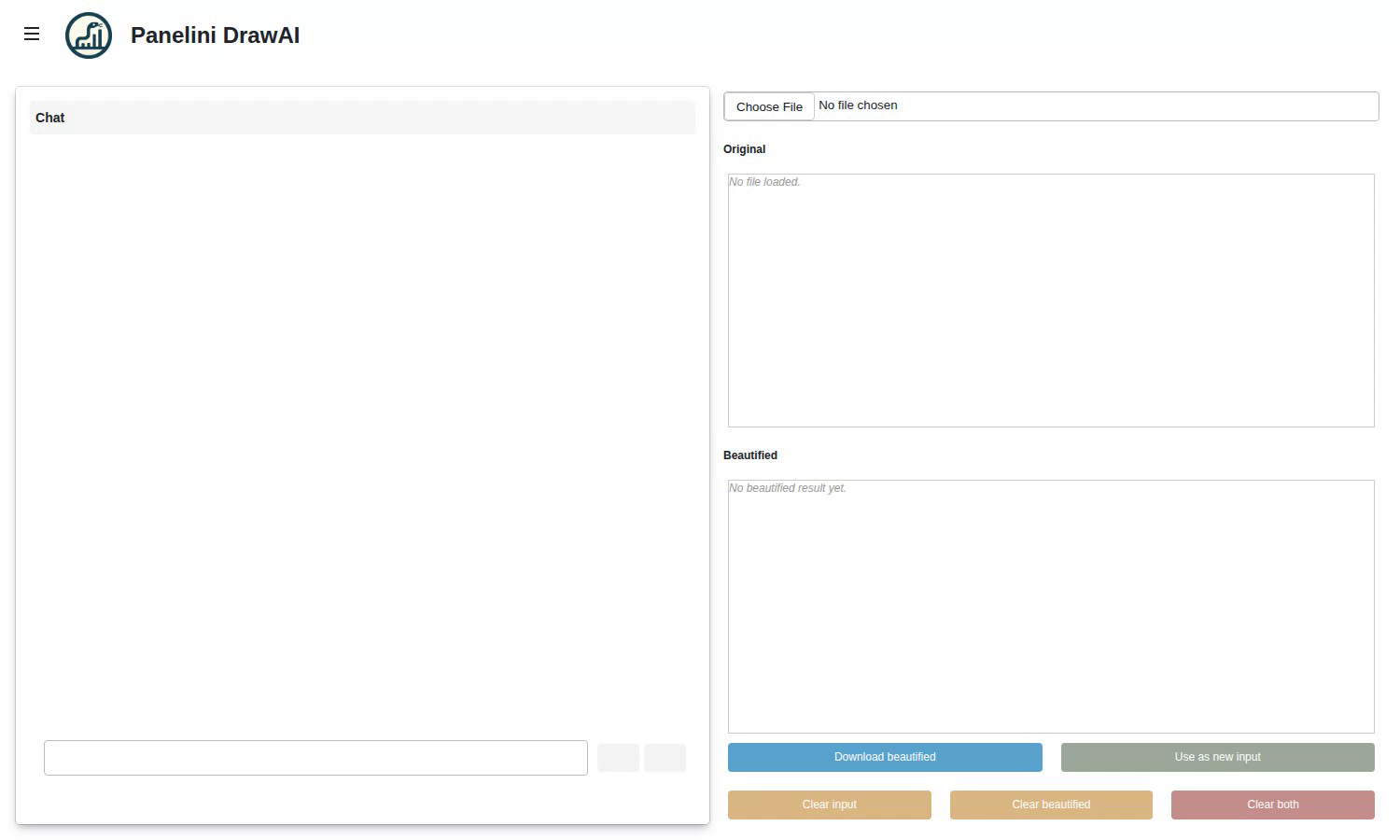
Note
Shown as a screen capture rather than a live in-browser demo. The chat cannot run in the browser: langchain-core depends on uuid-utils and zstandard, native extensions with no pure-Python wheel, so the stack cannot be installed under Pyodide - and a real chat would additionally need provider credentials, which do not belong in a public page. Run it locally to try it.
Source: examples/panels/ai/drawai_beautify.py
Test: tests/panels/ai/examples/test_drawai_media.py
DrawAI turns the AI chat into a focused tool. Upload a .drawio or .drawio.png file, then chat a beautification intent (“tighter spacing”, “align on grid”, “recolor to a blue theme”) and the model rewrites the diagram’s XML in place. The result is shown as a before/after compare, with both the original and the beautified version rendered through the drawio web viewer, and a Download button writes the cleaned-up file back out.
The beautify step calls Claude through the anthropic SDK directly, with prompt caching on the system prompt and the diagram XML. Credentials come from the same anthropic provider block that the rest of the app already reads from config.yml, so DrawAI honours whatever endpoint or key you have configured. The tool is registered as a normal AiChat tool, so the model decides when to call it based on the conversation.
The code
_BEAUTIFY_SYSTEM_PROMPT = (
    "You beautify drawio diagrams. The user will send a complete "
    "<mxGraphModel> (or <mxfile>) XML document. You MUST return the "
    "ENTIRE modified XML document, preserving every <mxCell> ..."
)


class BeautifyDrawioTool(BaseTool):
    name: str = "beautify_drawio"
    args_schema: type[BaseModel] = BeautifyDrawioInput
    state: DrawAiState
    api_key: str = ""
    base_url: str = ""
    model_name: str = "claude-opus-4-7"

    async def _arun(self, intent: str) -> str:
        if not self.state.current_xml:
            return "No file loaded. Ask the user to upload a .drawio or .drawio.png first."
        client = anthropic.AsyncAnthropic(api_key=self.api_key, base_url=self.base_url)
        resp = await client.messages.create(
            model=self.model_name,
            max_tokens=16384,
            system=[{"type": "text", "text": _BEAUTIFY_SYSTEM_PROMPT,
                     "cache_control": {"type": "ephemeral"}}],
            messages=[{"role": "user", "content": [
                {"type": "text",
                 "text": f"<drawio-xml>\n{self.state.current_xml}\n</drawio-xml>",
                 "cache_control": {"type": "ephemeral"}},
                {"type": "text", "text": f"Intent: {intent}"},
            ]}],
        )
        new_xml = _strip_fences(resp.content[0].text)
        validate_drawio_xml(new_xml)
        self.state.beautified_xml = new_xml
        return "Beautified. See the bottom pane. Click Download to save."


def build_app() -> Panelini:
    api_key, base_url = _anthropic_credentials_from_config()
    state = DrawAiState()
    tool = BeautifyDrawioTool(state=state, api_key=api_key, base_url=base_url)

    chat = AiChat(system_message=_SYSTEM_MESSAGE, tools=[tool])
    chat.tool_checkboxes[tool.name]["checkbox"].value = True

    # compare column: FileInput + Original pane + Beautified pane + download/clear buttons
    # rendered side by side with the chat card in a stretch_both Row.
    ...

    app = Panelini(title="Panelini DrawAI", sidebar_enabled=True)
    app.main_set(objects=[main_layout])
    app.sidebar_set(objects=chat.sidebar_objects)
    return app